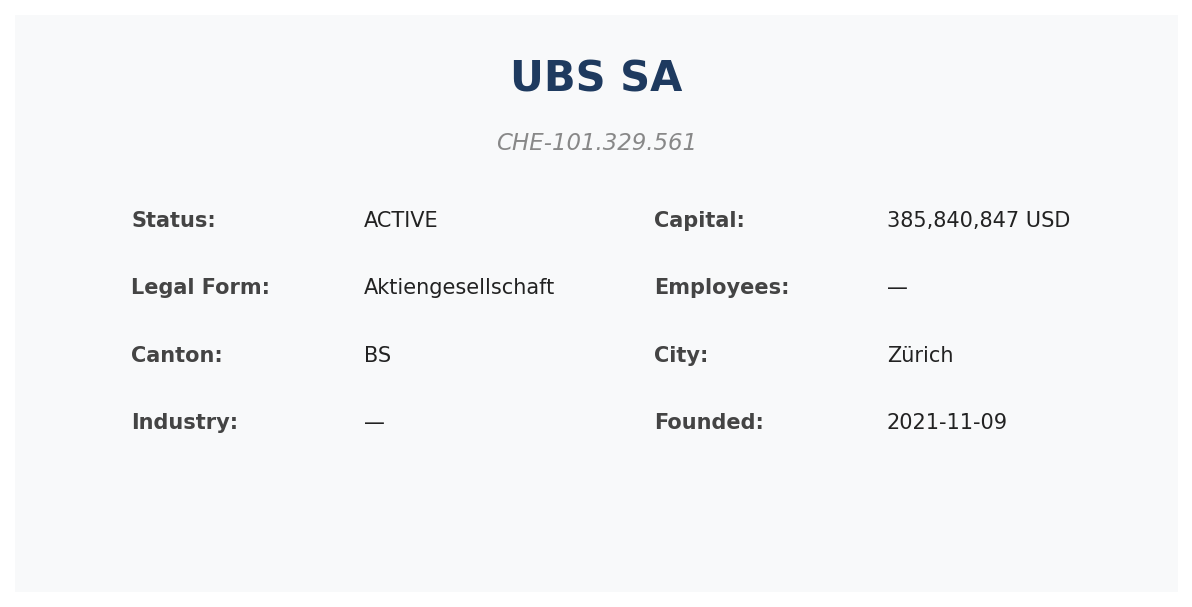
Reconstruct Any Swiss Company's History with the Timeline API
When due-diligence analysts open a new company file, the first question isn't "what does this company do today?" It's "how did it get here?" Capital increases, auditor churn, board turnover, a sudden address change — those are the signals that separate a clean counterparty from one that needs a closer look.
The VynCo timeline API turns that reconstruction from an afternoon of Zefix PDF archaeology into a single call.
The call
import vynco

client = vynco.Client()
timeline = client.companies.timeline("CHE-101.329.561").data

print(f"Total events: {timeline.total_events}")

for e in timeline.events[:10]:
    change = f"{e.old_value or '—'} → {e.new_value or '—'}" if e.old_value or e.new_value else ""
    print(f"{e.date[:10]}  [{e.severity}]  {e.category}: {e.field_name or ''} {change}")
Every event in the response is typed: category is a closed enum (capital_change, auditor_change, status_change, address_change, liquidation, sogc_publication), severity is low|medium|high|critical, and old_value/new_value are present when the event was a mutation rather than a publication.
Filter by type and time window
For a focused view — say, capital trajectory for the last five years:
capital = client.companies.timeline(
    "CHE-101.329.561",
    change_type="capital_change",
    since="2020-01-01",
).data

for e in capital.events:
    print(f"{e.date[:10]}  {e.old_value} → {e.new_value}  ({e.summary})")
This is how you build a capital-history chart, or detect the "fat capital spikes followed by status changes" pattern that often precedes restructuring.
The AI narrative summary
Scrolling through 40 events takes time. The professional tier exposes a second endpoint that feeds the events to Claude and returns a narrative:
summary = client.companies.timeline_summary("CHE-101.329.561").data
print(summary.summary)   # multi-paragraph markdown
A typical response looks like this (truncated from a real UBS query):
Corporate Summary: UBS SA
Overview
UBS SA, formerly known as UBS AG, is one of Switzerland's largest financial institutions. The timeline reveals a pattern of routine administrative changes from 2021 to 2024, followed by significant structural transformations in April 2026.
Routine Administrative Activity (2021-2024)
Between November 2021 and October 2024, UBS AG filed approximately 40 "mutations" (administrative changes) in the Swiss Official Gazette of Commerce (SOGC)...
The summarizer is prompted to be factual, time-bucket its narrative, and cite source categories. When the data is thin or the LLM provider is down, the endpoint returns a clean 503 with detail, not a hallucinated summary.
What you can build
- Capital-history charts — line plot of
share_capitalover time. The company_deep_dive notebook includes a ready-made version. - Board stability analysis — count
auditor_change+person_rolechurn per year. A steady cadence is normal; a spike correlates with M&A or governance friction. - Point-in-time snapshots — reconstruct a company's state as of, say, 2020-06-30, by replaying events before that date. Useful for historical comparisons in M&A due diligence.
- Regulatory flag detection —
liquidation,status_change → BEING_CANCELLED, and any severity=criticalevent is worth surfacing automatically.
Data honesty
Two things worth knowing about the timeline's temporal accuracy:
- Registrations use actual founding_date. Truthful historical signal.
- Dissolution events use detection time (
ce_time). Zefix/SOGC dissolution publications don't carry a historical date in their payload, so for companies that went away before mid-2025, our events are timestamped at the moment we detected them during backfill. For recent dissolutions (mid-2025 onward) the detection time is effectively the event time. The API'sanalytics.flows()response carries adata_coverage_notespelling this out so you never silently compare apples and oranges.
Run the example
The full working script is at examples/historical_timeline.py. It runs in under 5 seconds on any professional-tier key:
pip install vynco
export VYNCO_API_KEY=vc_live_...
python examples/historical_timeline.py
Links
- Example: historical_timeline.py
- Notebook: company_deep_dive.ipynb
- API reference: /docs/timeline
- Get an API key: vynco.ch/signup